

The Bohunt Education Trust have taken the decision to pause the opening of the iPad portal for all new year 7 pupils to enable us to review the programme and explore the most sustainable and cost-effective options for the future.
Global pressures on digital component prices combined with ongoing uncertainty affecting technology supply chains has resulted in significantly increased cost of iPads. Current forecasts also suggest that the cost of devices and associated services is likely to continue to increase substantially going forwards. Parents may find this recent news article helpful.
Options for parents to track their children whilst on the journey to and from school.
Here are some examples of devices that can be used to monitor your child’s journey to and from school (TPS is not affiliated with any of these products or suppliers, and these are examples only)
Help and Guidance for Parents
Information and guidance regarding the JAMF parent iPad management app
Detailed instructions for setting up an iPad with the JAMF parent app
Getting Started with Jamf Parent – Jamf Parent Guide for Parents | Jamf
Insurance claims
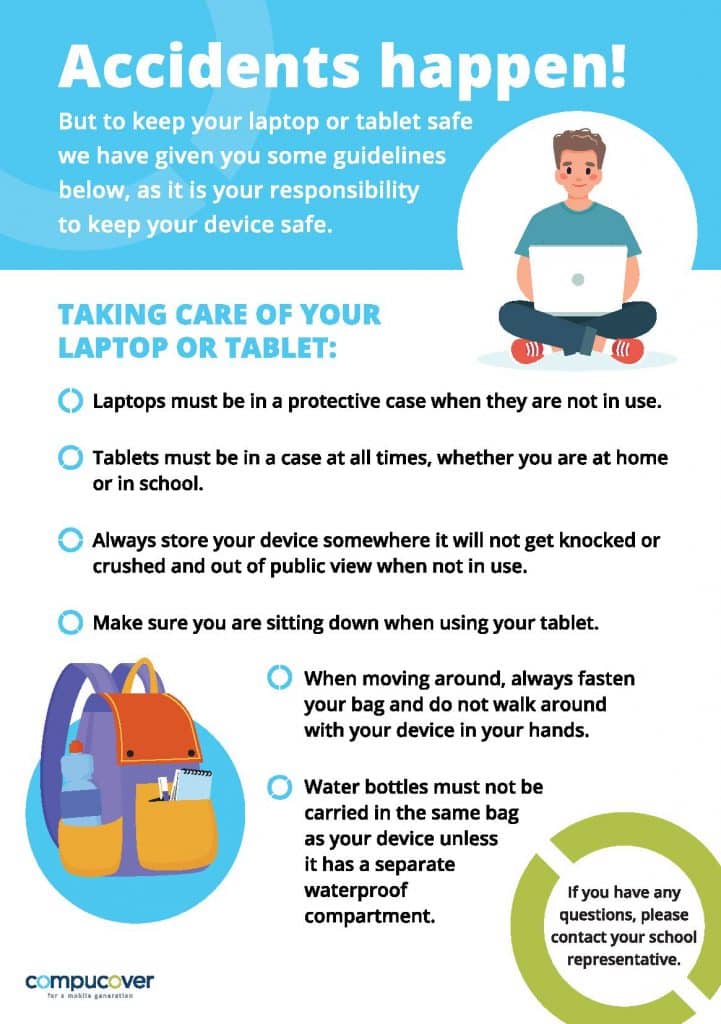
Insurance claims:
All claims must be made within 14 days of the date of the incident.
Follow this link to submit claim or if you have any general enquires: https://edutech.zone/parent_enquiries
Insurance Claims:
To make a claim for the iPad you have ordered through the school please follow this link to the CPU insurance Website Portal where you will need to complete a claim form.
Once the form has been completed, CPU will be in touch via email. If the Claim is successful you will need to ensure the device is reset to factory and removed from iCloud, before handing the device to IT Support to arrange collection.
When filling the claims form, please include as much information about the incident and how the damage occurred.
After submitting the form, please backup any files on the iPad and ensure the device is factory reset as well as turning off ‘Find my iPad’. If you can turn on the device, this will be found in settings under Apple ID and then ‘Find My’. The iPad can then be handed to IT Support. We will then arrange a collection with CPU. Once it has been repaired and returned, we will contact your child to collect their device from IT Support Office. Please note, repairs usually take around two to three weeks.
Any queries or issues, please contact us via email: ipads@petersfieldschool.com
Budding singer Keira, a Year 11 TPS student recently had her first song released on Spotify
Read More
Felix C started Gymnastics at the age of 6 and made outstanding progress whilst a student at TPS.
Read More
I got first class teaching at TPS and some great opportunities and experiences in extra-curricular sport.
Read More
TPS always felt like a safe place to express myself and my hobbies without a fear of being told I wasn’t cool for playing with toys. Many teachers encouraged me to utilise LEGO in my work in Art, DT, even Maths and Geography!
Read More
I started dancing at 3 and more seriously from the age of 12. I wanted to attend TPS because of their performing arts specialism, and they have given me so many opportunities to perform in dance and drama productions such as “Fame” at the New Theatre Royal Portsmouth and Rock Challenge at the Guildhall.
Read More


